Connected apps
Scoped access to a real application, not your password
UtilitySpaces connects an agent to the applications your business already runs on. A connection holds its own credential, encrypted and bound to your workspace; the agent calls named tools through it; reads are open and writes follow a per-connection policy; and every call is logged with its arguments and its result.
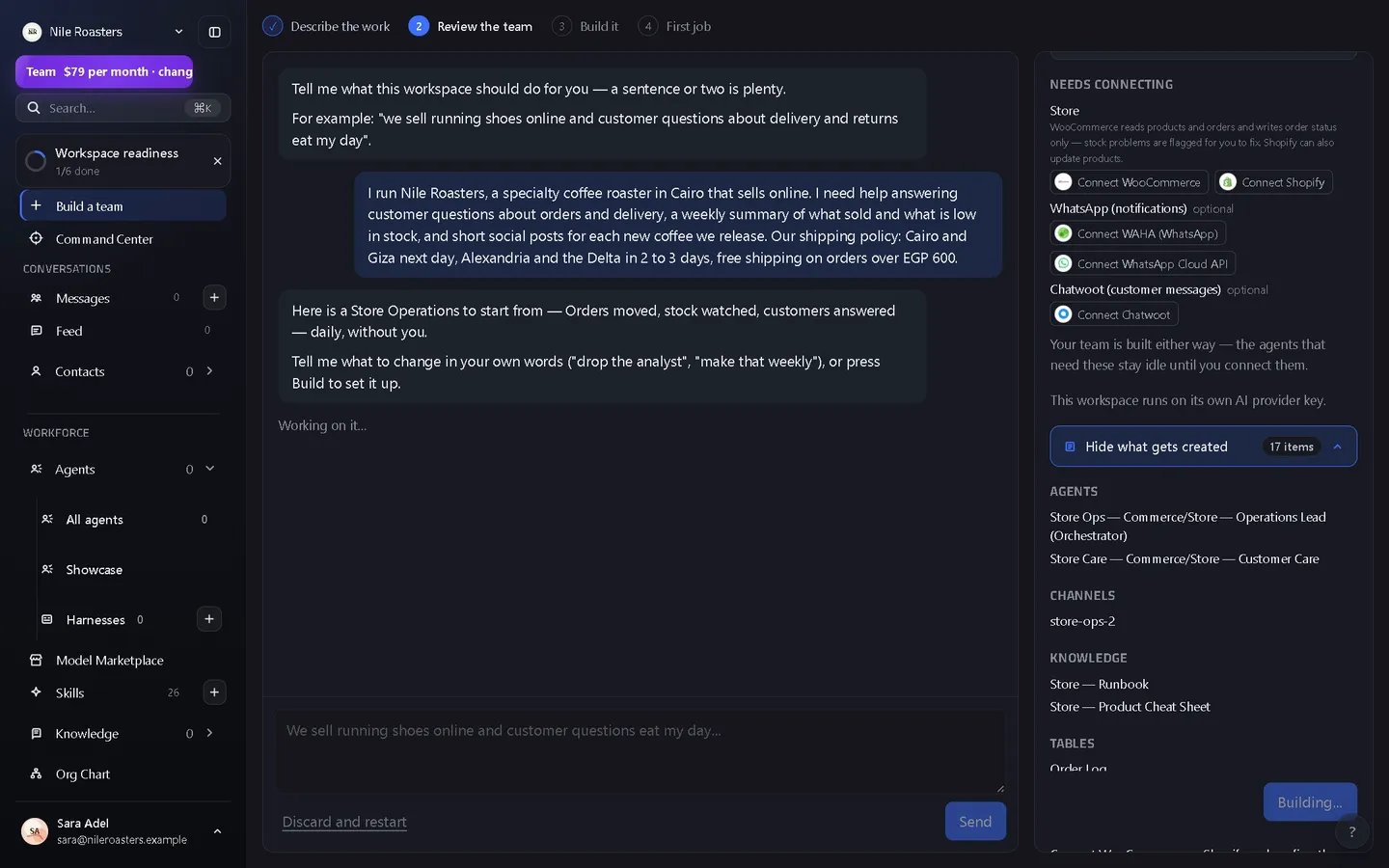
How it works
Pick the app from the catalogue
80 connectors ship in the box: 78 named applications, plus a generic HTTP API connector and a Model Context Protocol connector for everything else. They are grouped into 13 categories and searchable by name — the full list is here, with a page per application naming every tool it exposes.
Authorise it once, as an admin
18 of them use OAuth, so you authorise in the provider’s own screen and no secret is typed into UtilitySpaces at all. The rest take an API key. Creating and editing connections requires the workspace admin role.
Test it before you trust it
Test runs the connector’s own cheapest authenticated read and records the result. The connection then carries a health state — healthy, degraded, failing or untested — and the time it was last checked.
Bind the tools an agent may call
Each connection exposes named tools, addressed as ext.provider.connection.tool. Matching is exact: no fuzzy names, no prefixes, and no “there was only one candidate so use it”.
Watch every call in the log
Each tool execution writes a row recording who called it — agent or person — the request, the result, the error code and the timings, with secrets redacted before anything is stored.
The security posture, specifically
Handing an autonomous process a credential to a live business system is the part that should worry you. Here is exactly what is in the way — and if you would rather see the options compared first, the four ways to give an AI agent app access, ranked by blast radius.
Credentials encrypted, and tenant-bound
Every credential field is encrypted with AES-256-GCM, with the workspace id used as additional authenticated data. A stored blob moved to another workspace does not decrypt — it fails authentication.
Never read back
No read path returns a stored credential. The edit dialog opens with every field blank on purpose, and leaving a field blank keeps the value that is already there. Decryption happens server-side, at the moment a tool is executed.
An SSRF guard on every request
One guarded fetch is the only egress path. It allows http and https only; blocks localhost, .internal, .local and bare hostnames; blocks private, loopback, link-local, CGNAT, multicast and IPv6 unique-local ranges; and resolves the name first, refusing anything that answers with a private record.
Redirects re-checked, credentials stripped
Redirects are followed manually, capped at five hops, and each hop is re-validated, so a 302 into your private network or into a different scheme is refused. On a cross-origin hop the authorization, cookie and proxy-authorization headers are removed.
Writes follow a policy, and it fails closed
Reads are always permitted. Each connection’s writes follow one of three settings an admin chooses — ask a person first (the default), run without asking, or refuse writes — and the change is audited. An unrecognised tool or provider is classified as a write, so on the default every MCP tool call asks first; identical pending calls are deduplicated. DELETE always waits for a person.
Secrets scrubbed before they are stored
Error text is redacted twice: once by pattern — bearer tokens, auth headers, JWTs, provider key prefixes — and once against the connection’s own stored values, longest first, before any truncation that could leave a prefix behind.
One destination per capability
Write capabilities such as “send a message” or “append a row” resolve to exactly one bound connection per workspace. Two candidates and no binding is a refusal, never a coin toss, and connecting a second one asks you to choose.
Every change audited
Creating a connection, updating its credentials, changing its write policy, enabling it, disabling it and deleting it each write a workspace audit event into the same hash-chained log as approvals.
What connectors deliberately do not do
- You cannot pick your own OAuth scopes. Scopes are fixed per catalogue entry and shown to you by the provider before you authorise. Narrowing them means changing the connector definition, not a checkbox.
- Deleting a connection is not revoking a token. Deleting removes the stored credential from UtilitySpaces. Withdrawing the grant at the provider is a separate action you take in their account settings.
- Agents cannot write on their own out of the box. That is the point. A new connection starts on Ask a person first and only a workspace admin can change it; the setting is per connection, not per tool, and a delete waits whatever it says.
- The guard has no port rules. It filters by scheme, hostname and resolved address. It does not maintain a port blocklist, and the code documents a narrow DNS-rebinding window between the check and the connection.
- Connections belong to the workspace. The data model supports scoping a connection to a single agent, but the connectors screen creates workspace-scoped connections. Per-agent routing today is done by binding a write capability.
- No connectors at all in the demo. A demo workspace runs on the shared preview brain with no connected services, and is deleted after an hour.
Where connected apps sit
A connector is what turns an assistant into a colleague. The agents you have configured call these tools by name, from work you gave them in the shared chat inbox or from a flow where each tool is a node. A write waits in the human approval queue unless an admin set that connection to run without asking or to refuse writes, and the tokens a call burned show up on the cost breakdown.
See the full product overview for how these pieces chain together, or the pricing page — connectors are not metered per app or per call.
Questions about connected apps
Do agents get my password?
Can an agent change or delete data in a connected app?
What stops a connector being pointed at something internal?
Can I choose which permissions a connector gets?
Can I connect something that is not in the catalogue?
See it doing your actual work
Open a demo workspace, connect one app, and give an agent a real job. No card, no sales call.
We reply to every message within one business day.